AI Video NewsTrending AI video templates

Trending AI template

Hotel Lobby AI Video Generator Online

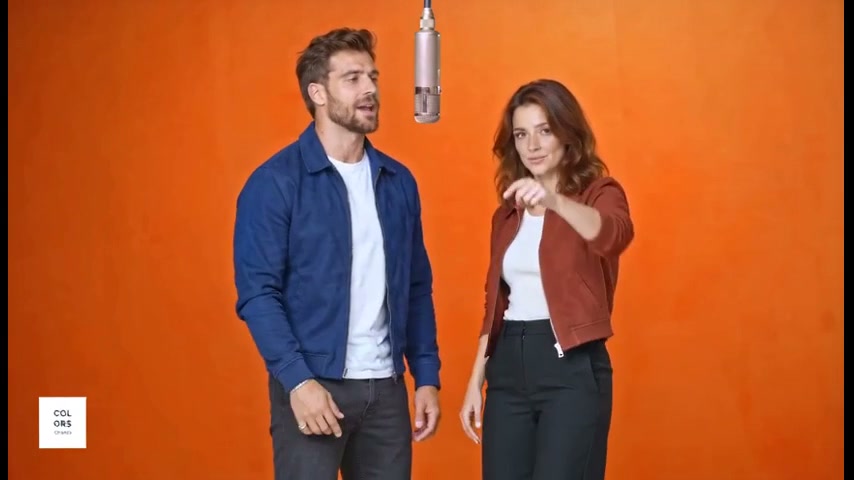
The Hotel Lobby AI video generator brings the Migos booth to your photos. Put any two characters into the orange-studio rap duet, shot for shot.

  • Two roles · one photo each
  • Same moves & timing
  • 7s or 14s or 24s video
Create my videoPacks start at $9.90, no subscription
Hotel Lobby AI video sample frame
Hotel Lobby (Unc & Phew) · Quavo & Takeoff
Your castLeft performer and Right performer

Make your own Hotel Lobby video

1 · Your photos

Upload a photo for every role, following the order shown. Best results come from a bright photo of a single subject with the whole face showing. People, pets and drawn characters all work.

1Left performer
2Right performer

Create with AI

Describe a person, pet or character. We’ll make a portrait and use it as this role’s photo.

Tip: one subject facing the camera works best.0/1,000
5 credits

2 · Length

3 · Quality
229 creditsOne-time credit packs · no subscription

Look around for free. Your photos wait here while you sign in.

Example · 24s
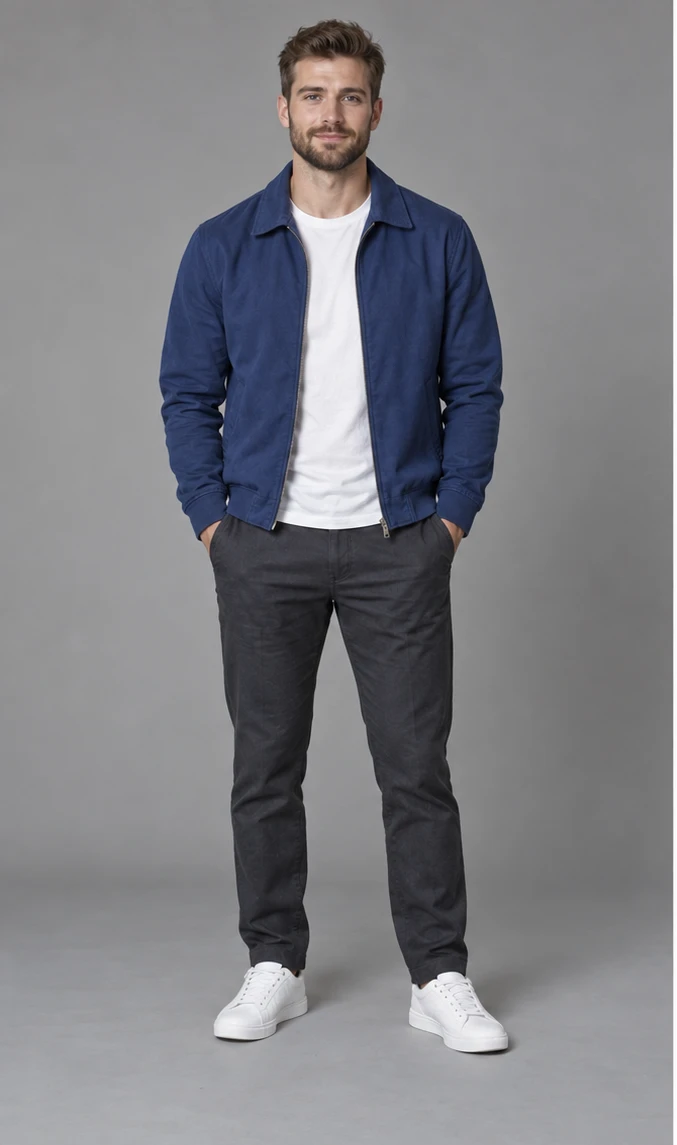
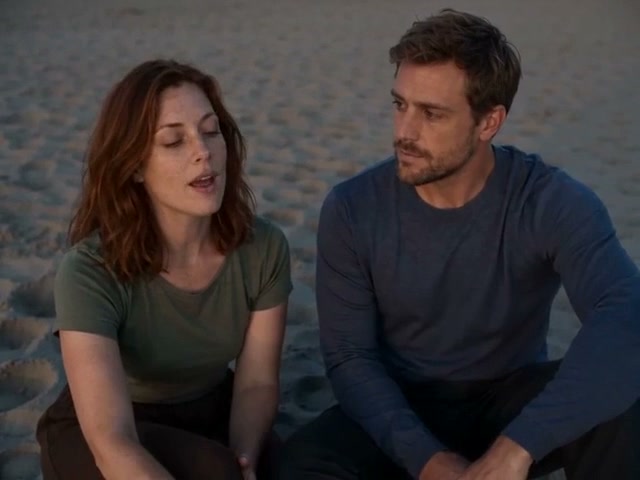
Created from these two photos
Left performer photo used in this exampleLeft performer
Right performer photo used in this exampleRight performer
Estimated time3–8 min
A rough estimate. Busy queues may take longer.
How it works

How to make a viral AI video in three steps

Hotel Lobby, also known as the Migos AI trend, is a two-person rap clip shot in an orange studio around a hanging silver microphone. Creators use a Hotel Lobby AI video generator to swap the duo for themselves, friends, pets or original characters, then post it with the song.

  1. 01

    Upload your photos

    Upload a sharp photo for Left performer and Right performer. Bright light and a fully visible face give the best result.

  2. 02

    Your cast takes the stage

    We rebuild the source video shot by shot around your cast: identical moves, camera and timing, now with your characters’ faces, hair and bodies.

  3. 03

    Add the sound and post

    Save the silent clip plus a still frame, then lay the trending sound over it in TikTok or Reels, starting at the first second.

Guide

How to use the Hotel Lobby AI Video Generator

Which role each photo plays, what every length costs and how to share the finished clip.

Roles

  • Photo 1: Left performer — takes the left side.
  • Photo 2: Right performer — takes the right side.

Length and cost

  • 7s · Quick test — Standard 229 credits, HD 471.
  • 14s · Longer cut — Standard 457 credits, HD 941.
  • 24s · Full film — Standard 816 credits, HD 1,680.

Try the quick test (7s) first to check the likeness before you make the longer cut.

Aspect ratio

Landscape 16:9, framed exactly like the source clip. It works unchanged on YouTube and X; for TikTok or Reels, add bars or crop it to vertical in CapCut.

Adding music

Your download has no audio. At posting time, pick “Hotel Lobby (Unc & Phew)” by Quavo & Takeoff from the TikTok, Instagram or CapCut sound library. Start the sound on the first frame so the lip-sync lands.

Tips for this trend

  • Order counts: photo one plays the left performer and photo two the right performer.
  • Mix and match freely: the Hotel Lobby AI video generator takes you plus a friend, you plus your dog, or two original characters.

More templates

Raindance AI

Pick who plays singer and companion on the golden-hour pier, shot for shot.

2 photos

Smalltown Boy

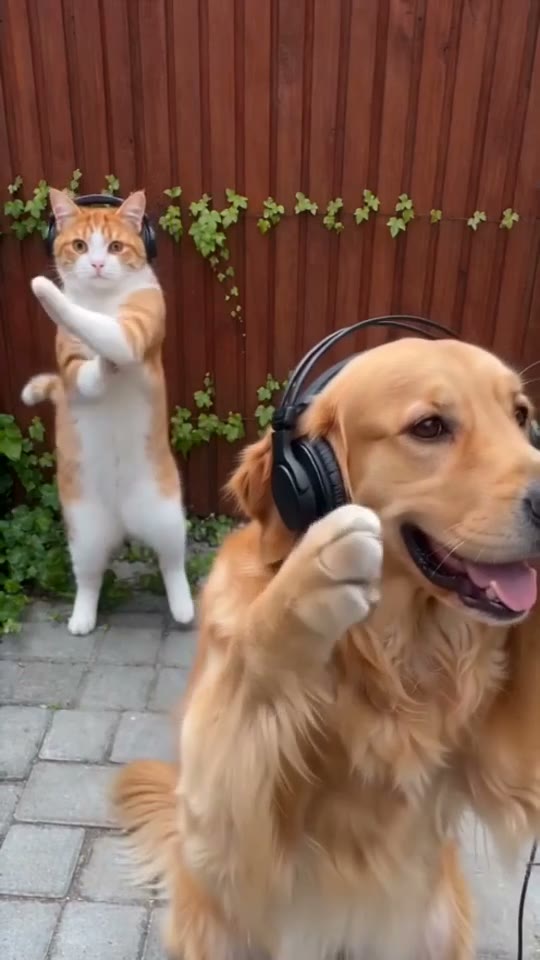
Cats, dogs or people take over the headphone close-ups and the side-by-side dance.

2 photos

Zombie Love Story

One survivor, one infected partner and the meadow memories between them.

2 photos

Credit packs

Credit packs for AI trend videos, paid once

Use your credits on any template, length and quality in the viral AI video generator. Buy a pack once and top up when you need more — nothing renews on its own.

See what each video costs

FAQ

Hotel Lobby AI Video Generator FAQ

Have another question? Write to support@ai-videonews.live.

The clip restages Quavo and Takeoff’s 2022 performance of “HOTEL LOBBY (Unc & Phew)” on A COLORS SHOW. The orange set and the hanging microphone they share come from that COLORS session, not from the song’s official music video. With a Hotel Lobby AI video generator, new characters take over both roles.

Two photos, one for each role: photo one plays the left performer and photo two plays the right performer. Pick a sharp, well-lit photo of a single subject: a person, a pet or an illustrated character. Waist-up or full-body shots work best: keep the whole face in view and skip sunglasses or heavy filters. Real people, pets and your own characters are all welcome.

Yes. The Hotel Lobby AI video generator offers a short opening that needs far fewer credits, letting you check both characters before you make the complete video. For testing, Standard quality is the cheapest choice.

No, the downloaded file has no audio. When you post, pick the trending sound in TikTok, Instagram or CapCut and start it at the clip’s first frame; it will match the original timing.

No. It is an independent tool, with no affiliation, sponsorship or endorsement from the artists, labels, original creators or rights holders.

Upload two photos, one for the left performer and one for the right, choose a length and quality, then generate. The Hotel Lobby AI video generator rebuilds each shot with your pair at the hanging mic; download the clip and add the song when you post.

Yes. People call it the Hotel Lobby trend, the Migos AI trend or the orange booth video. All three names point to Quavo and Takeoff’s COLORS performance of “HOTEL LOBBY (Unc & Phew),” which this Hotel Lobby AI video generator recreates.

It depends on the template, the length and the quality. Short openings cost far less than full videos, and HD (720p) runs roughly double Standard (480p). The studio shows the exact credits before you generate, and the pricing page lists every rate. Credits come in one-time packs, never as a subscription, and credits you buy last 12 months.

A short opening typically takes 3–8 minutes and a full video 6–25 minutes, depending on length. HD needs a few extra minutes, and peak times may be slower. Feel free to close the tab: rendering continues and the video lands in your account.

Credits are only on hold while your video renders. If the job fails for any reason, technical error or content moderation included, those credits return to your balance right away.

Only if they’ve agreed, and never photos of anyone under 18. Don’t pass off a generated video of a real person as real footage or as their endorsement. Our Terms of Service has the complete rules.

Signing up is free, and no account is needed to browse the templates or check what each video costs. Sign in with your email when you want to generate or buy credits; your videos and credits then stay together on every device.

Your turn

Ready to make your Hotel Lobby video?

Add your photos in the studio above, choose a length and quality, and see the exact credit cost before you create.