AI Video NewsTrending AI video templates

7 trending templates

AI video templates

Every template here recreates one TikTok trend shot by shot, from the camera moves to the timing. Choose a trend, upload one or two photos of people, pets or characters, and download the finished video, ready for the trending sound. Hover over a card to preview its example clip.

Browse all AI video templates

Filter by how many photos you have. One-photo templates need a single subject, two-photo templates cast a pair, and the order of your photos decides who plays which role. Each card plays its example clip; open one for the full guide, the available lengths and the credit cost of every version. New trends are added as they take off, each with its own page.
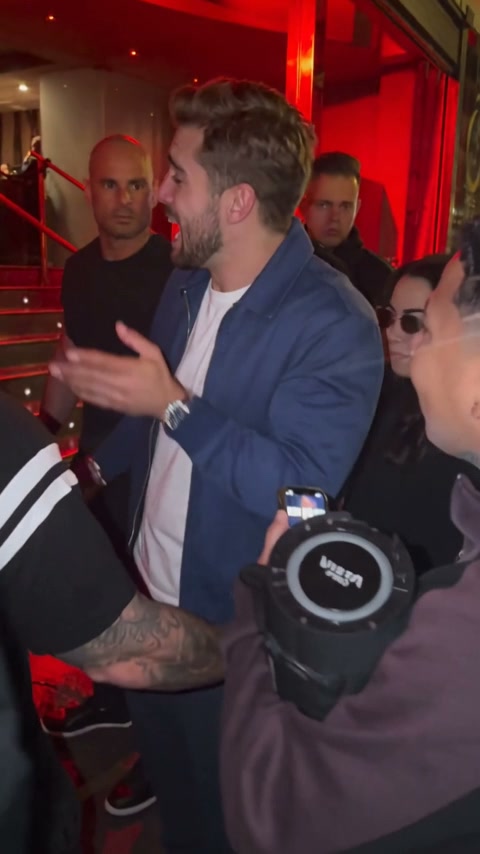
Bulin 47 AI

Star in the 15-second red-lit freestyle with a character of your own.

1 photo

Burning Bridges

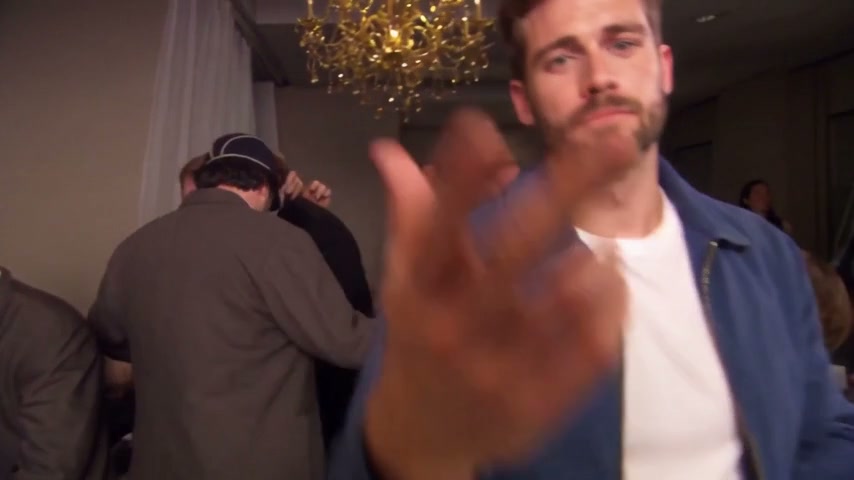
Swap in a new lead for the office party; the guests and choreography stay put.

1 photo
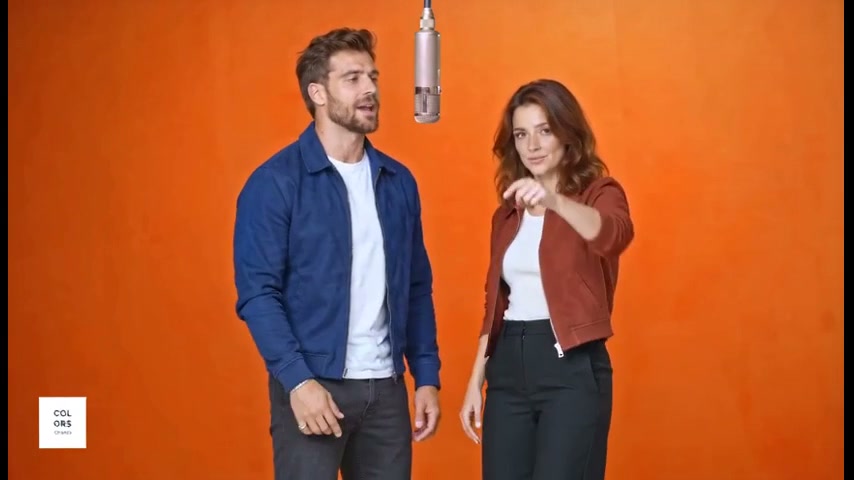
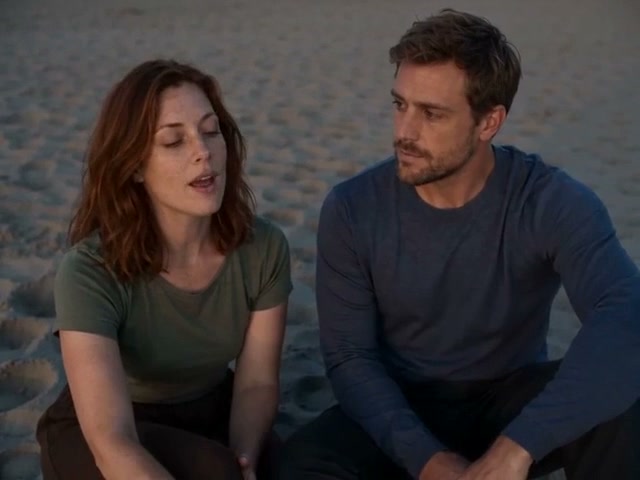
Hotel Lobby

Put any two characters into the orange-studio rap duet, shot for shot.

2 photos

Raindance AI

Pick who plays singer and companion on the golden-hour pier, shot for shot.

2 photos

Smalltown Boy

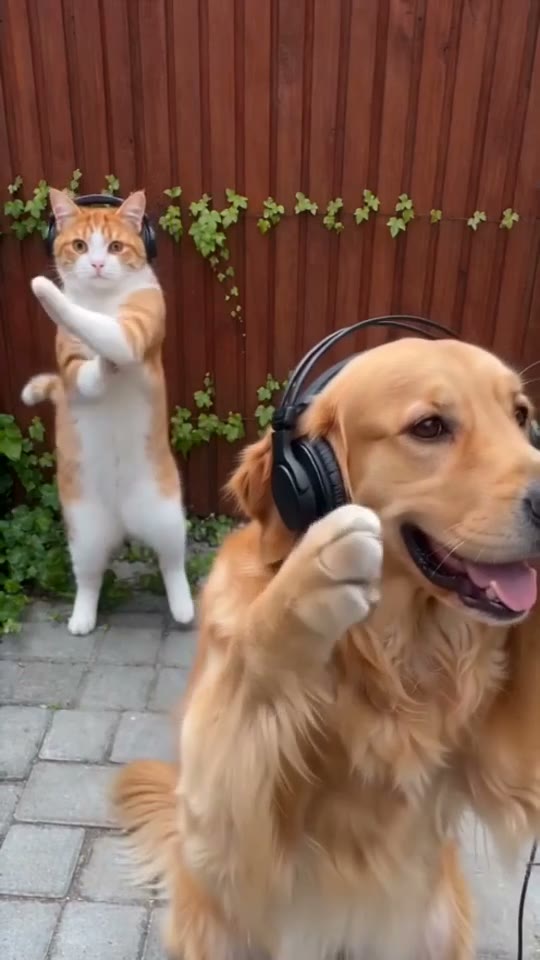
Cats, dogs or people take over the headphone close-ups and the side-by-side dance.

2 photos
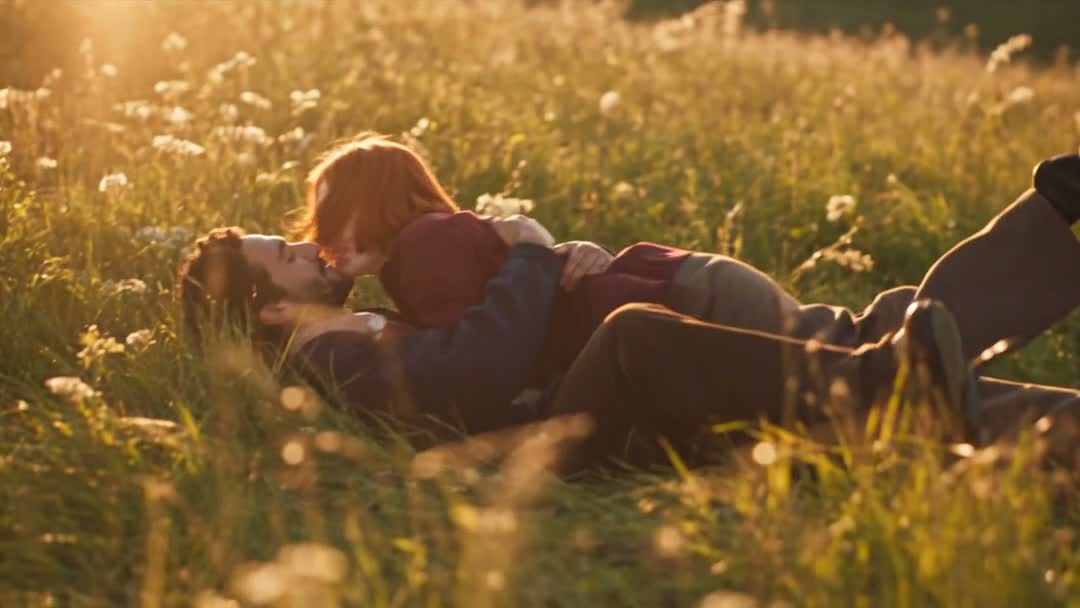
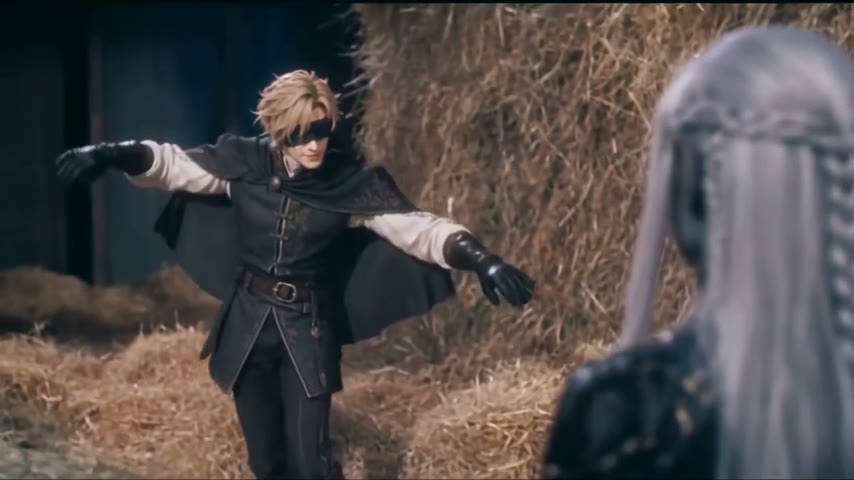
Zombie Love Story

One survivor, one infected partner and the meadow memories between them.

2 photos

How it works

How to make a viral AI video in three steps

Each template in the viral AI video generator rebuilds one trending format shot by shot. The setting, camera and timing stay exactly as they were, and your photos supply the cast, so the result plays like the original trend with new faces.

  1. 01

    Pick a template

    Every template comes with one or two roles. Fill each role with a photo: you, a friend, a pet or a character you made. A bright, front-facing photo of a single subject gives the cleanest result.

  2. 02

    Your cast takes the stage

    We rebuild the source video shot by shot around your cast: identical moves, camera and timing, now with your characters’ faces, hair and bodies.

  3. 03

    Add the sound and post

    Save the silent clip plus a still frame, then lay the trending sound over it in TikTok or Reels, starting at the first second.

Your turn

Turn one of these AI video templates into your video

Open the studio, pick the template and add your photos. You see the exact cost before anything renders. Start with a short opening where one exists to check the likeness, then make the full clip; the download is silent, so add the trending sound in TikTok or Reels.